Key takeaways
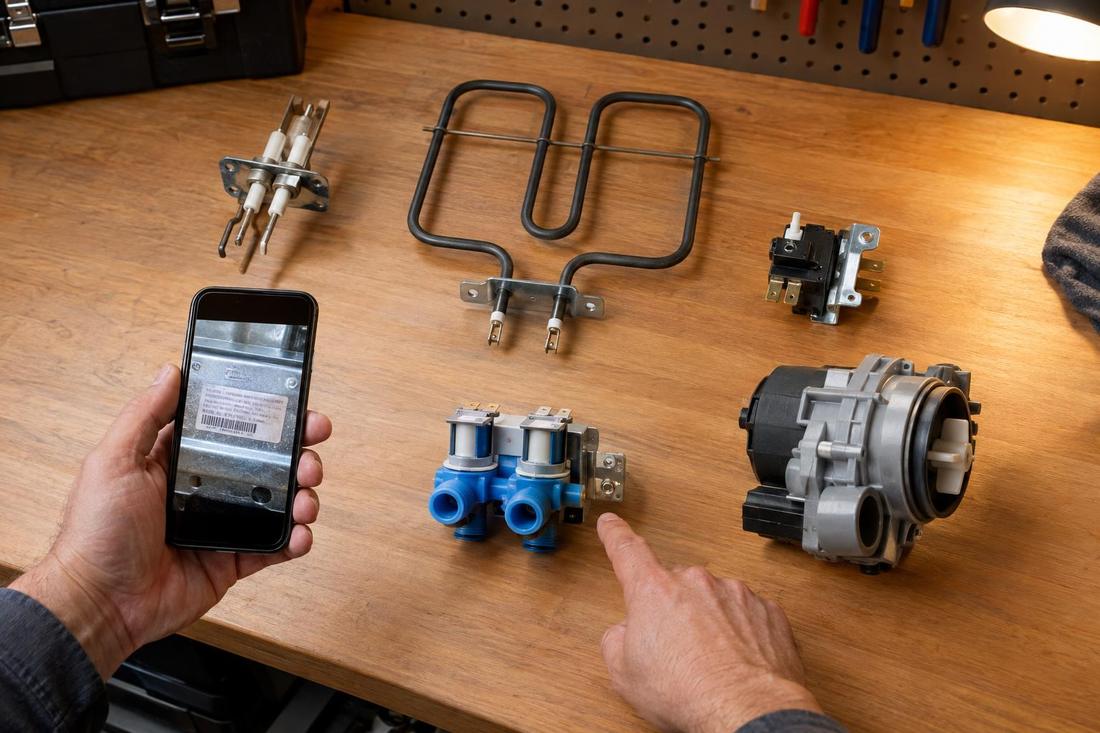
- Find the model and serial number tag and take a photo.
- Write down what the appliance does, when it started and any error codes.
- Clear a path to the appliance and space around it.
- Tell us about pets, stairs, parking and any access rules.
Find the model and serial number
The model tag is usually inside the door, on the back or on the side of the appliance. A photo of it helps the technician identify the unit and the right parts before the visit.
Include the brand and the approximate age if you know it.
Write down the symptoms
Note what the appliance does and does not do, when it started and what changed. Mention any noises, smells, leaks or error codes. Details like these often point straight to the cause.
Photos or a short video of the problem can help.
Clear the space
Make sure the technician can reach the appliance and has room to work. Empty a refrigerator that may have to be moved, clear items from around a washer and dryer and move anything fragile out of the way.
If the appliance is built in, mention how it is installed.
Share access details
Tell us about stairs, parking, building rules, pets and the best way to reach you. In apartments and condos, check whether an elevator reservation or an access code is needed.
Be ready to talk through the options when the diagnosis is done.
Official sources and further reading
These are independent organizations. Links open in a new tab.
Quick answers
Do I need to be home?
It helps at the start and the end. If someone else will be there, make sure they can make decisions or reach you.
Should I run the appliance before the visit?
Only if it is safe. If it is leaking, smoking or smelling of burning, stop and unplug it.